
Page set to noindex
Google stops showing the page in search results.
SEO Sentry checks your WordPress pages for SEO changes, like a page set to noindex or a missing canonical URL. When something changes, you get an email.
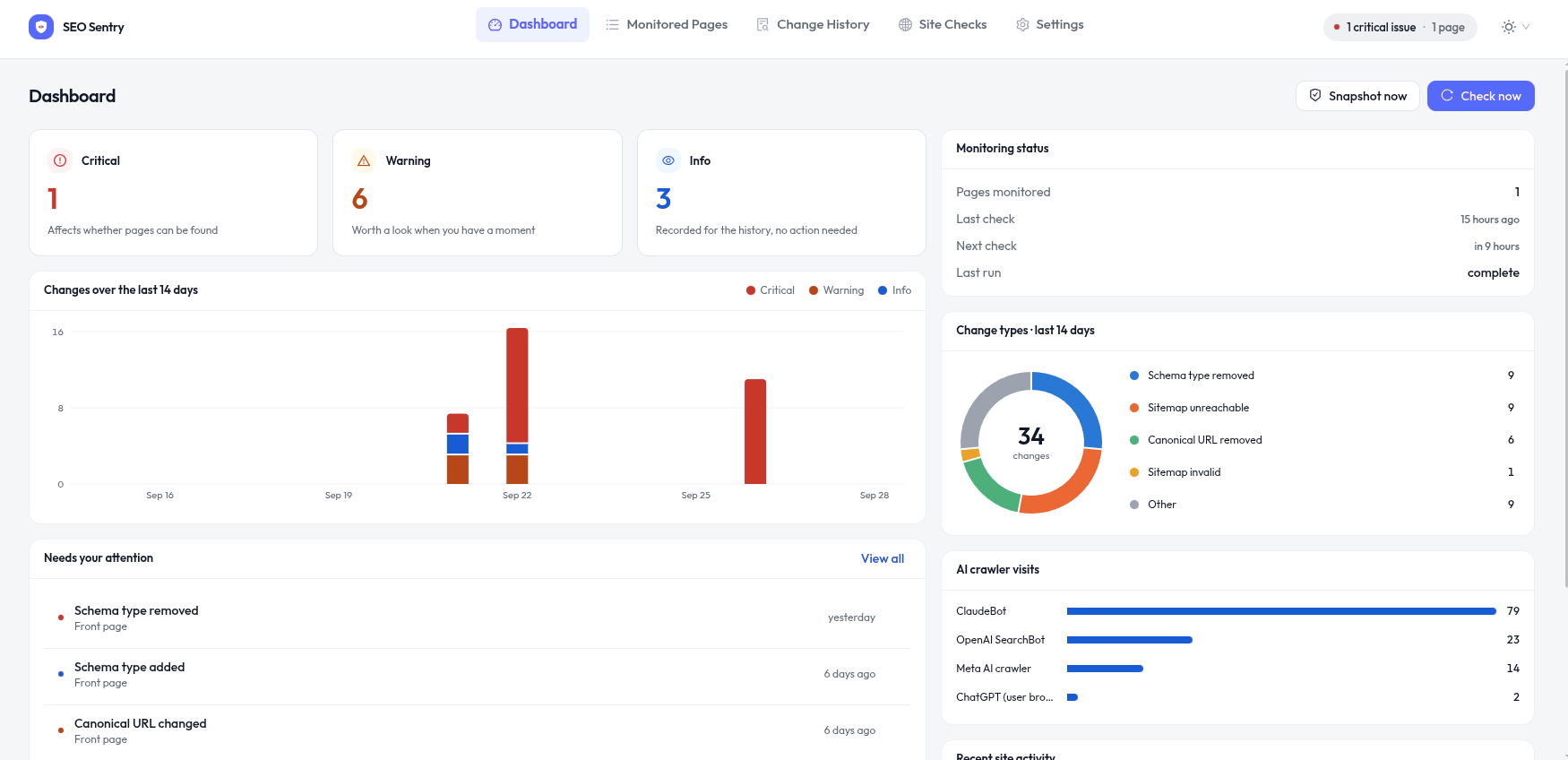
A plugin update, a theme change or a small edit can hurt your SEO. Most people only notice when their traffic drops.
Google stops showing the page in search results.
Search engines can no longer crawl your pages.
Google may rank a different URL instead of yours.
Your pages can lose rich results in Google.
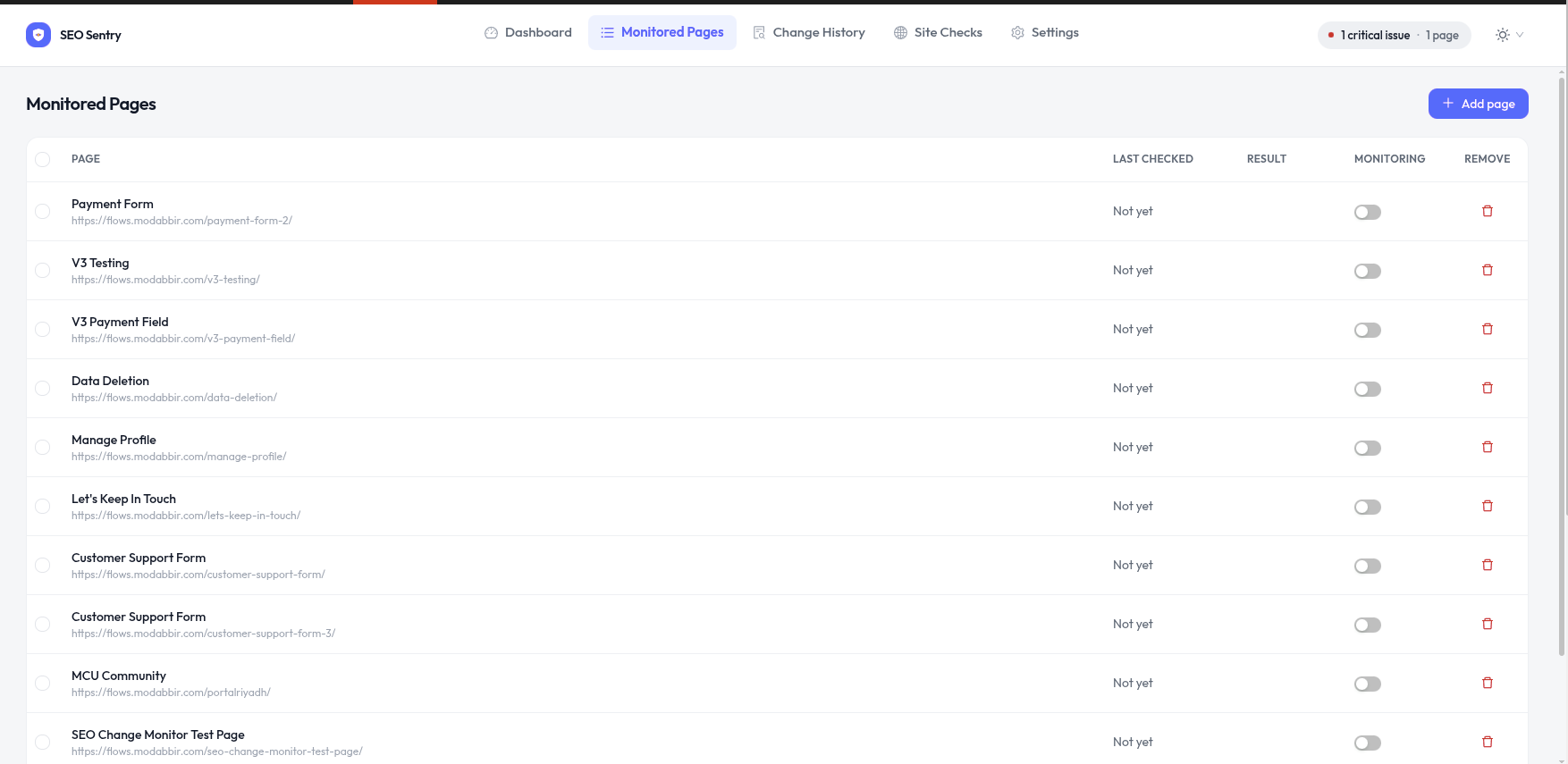
Choose pages from your site, or paste a list of URLs.
The first check saves the current SEO details of each page.
Every check compares your pages with the snapshot and tells you what changed.
You get an alert when any of these change. Each change is marked critical, warning or info, so you know what to fix first.
A page gets noindex, nofollow or another robots tag.
The page title is changed or removed.
The meta description is changed or removed.
The canonical is changed, removed or points to another domain.
Schema types are added or removed, or the JSON-LD has errors.
The tags used for social sharing change.
The Twitter/X card tags change.
The H1 is missing, changed or used more than once.
The word count drops a lot.
The page starts returning an error.
A new redirect appears, or a redirect goes to another site.
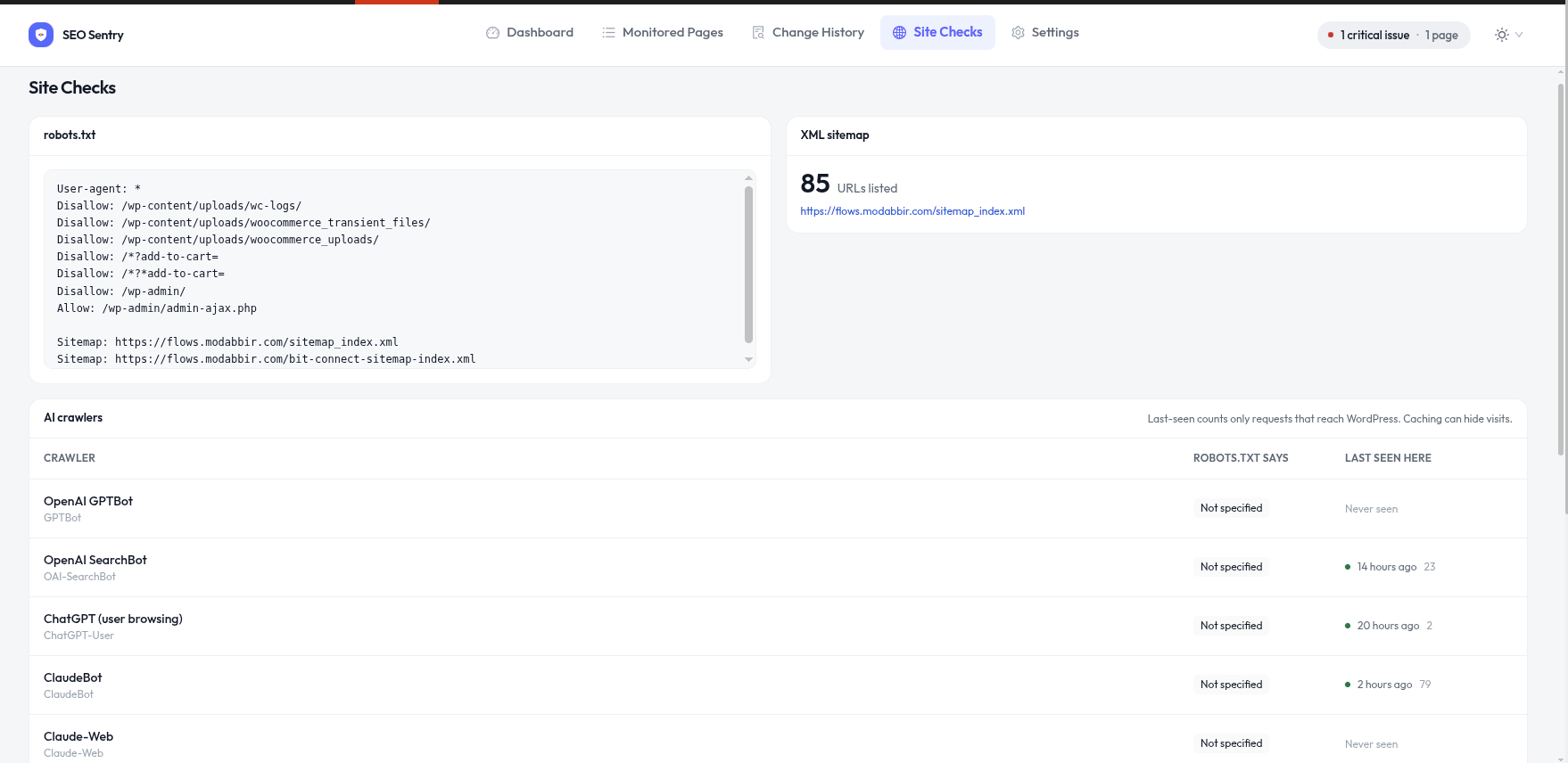
Some settings affect your whole site. SEO Sentry checks these too.
Records every change, and warns you if the file blocks your whole site.
Shows what your robots.txt allows GPTBot, ClaudeBot, PerplexityBot and other AI bots to do.
Checks that the sitemap loads and is valid, and warns you if many URLs disappear from it.
Warns you if the WordPress setting “Discourage search engines” is turned on.
Each change comes with a short, clear explanation.
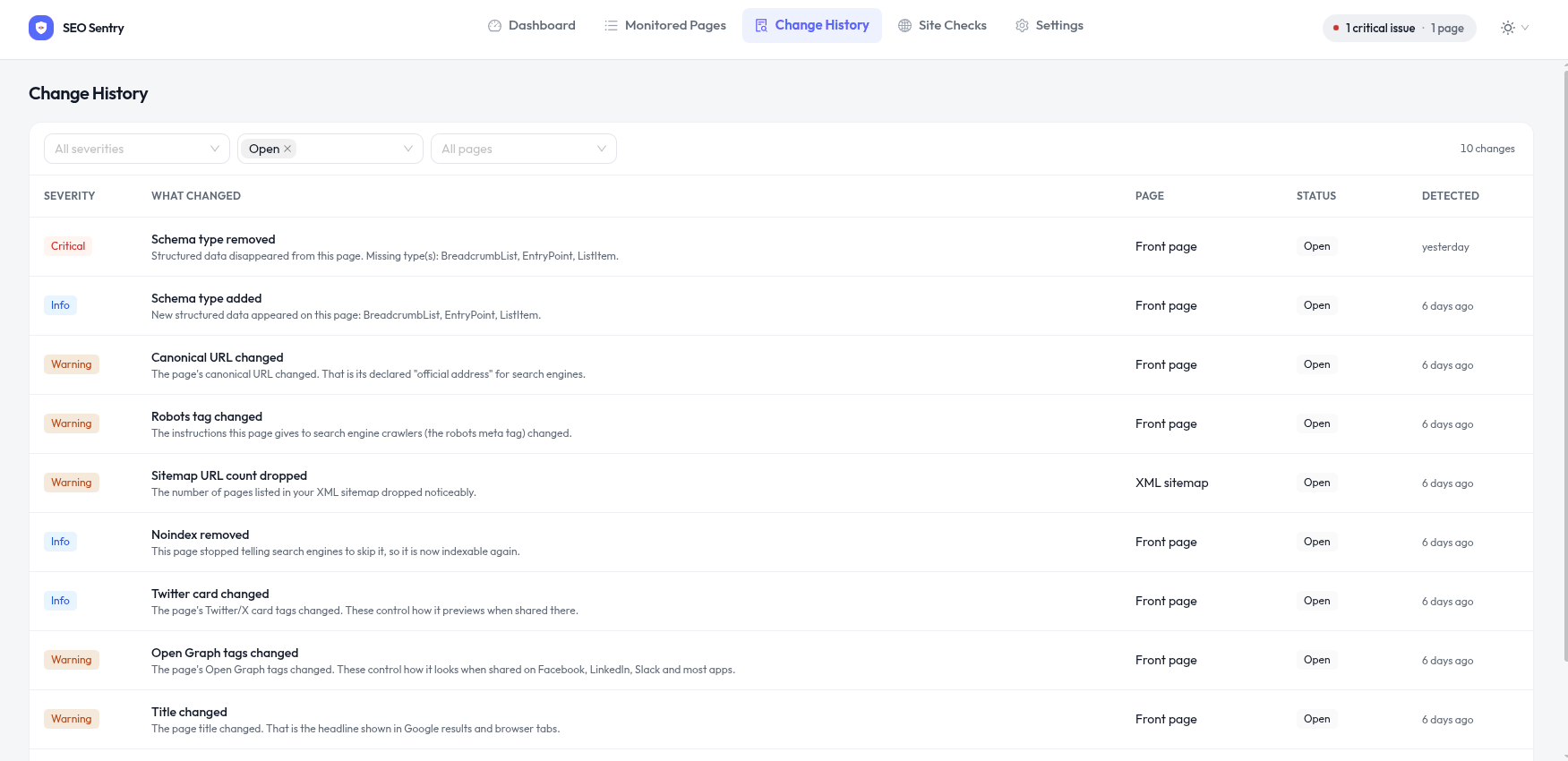
You get one email per check with all the changes, not a separate email for each one.
See when AI bots visit your site and what your robots.txt allows them to do. No extra setup needed.
Install the plugin and start. No sign-up and no API key.
Everything is saved in your WordPress database. Nothing is sent to us.
SEO Sentry only reads your pages. It does not edit titles, canonicals, schema or robots.txt.
Checks run on a schedule, not when visitors load your pages.
Each site in a network has its own pages, history and settings.
The code is GPLv2 licensed and available on GitHub.
Pro will add more features for agencies and teams that manage many sites. Join the waitlist and we will email you when it launches.
No. SEO Sentry only reads your pages and records changes. It does not edit titles, canonicals, robots.txt, schema or any other setting.
Yes. Keep using your SEO plugin to manage your SEO. SEO Sentry works next to it and tells you when something changes.
The first check only saves a snapshot of the page. Changes show up after later checks, when something is different from that snapshot.
No. You get one email per check with all the changes in it. You can also choose which types of changes send an email.
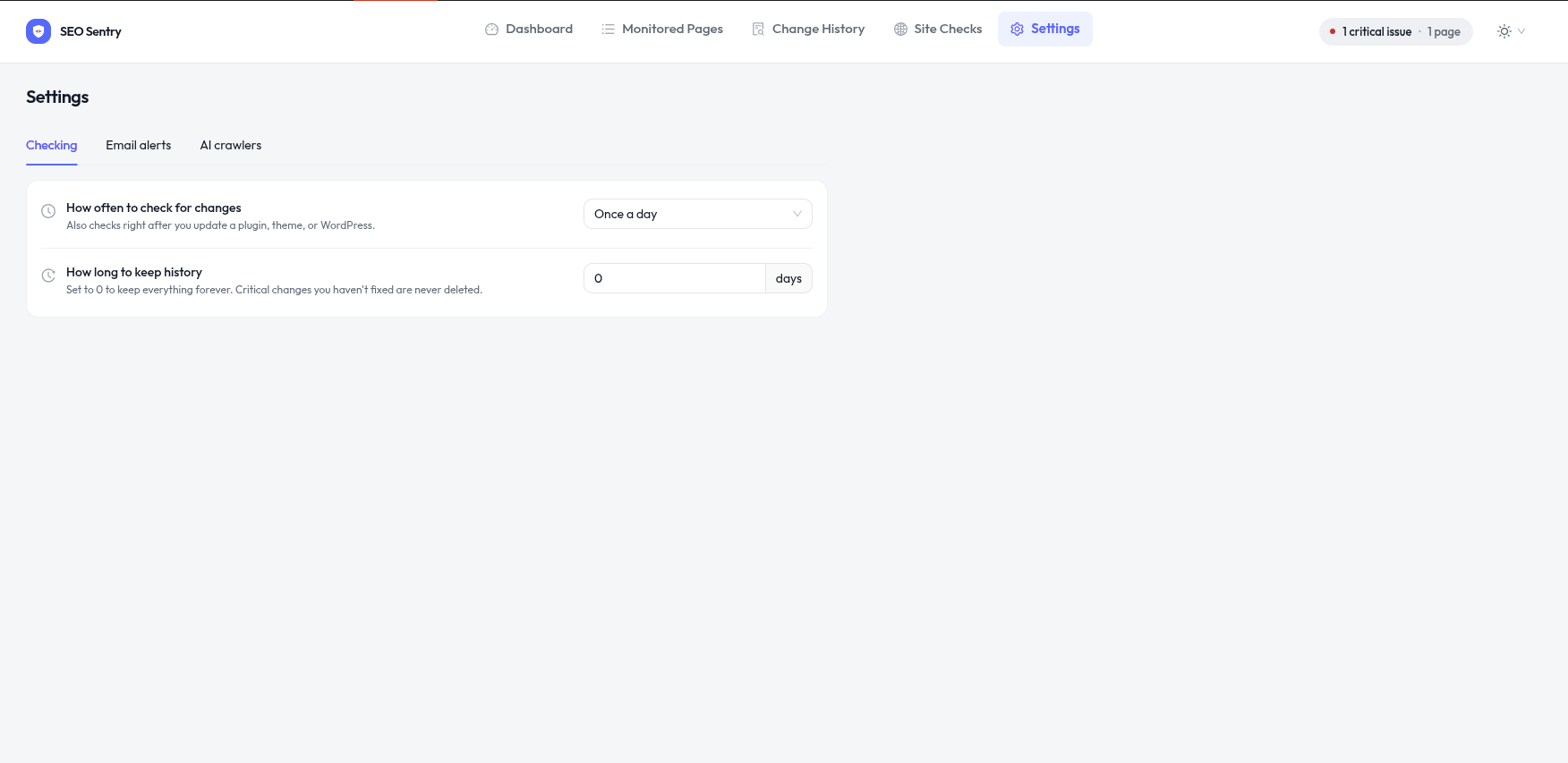
Hourly, twice a day, daily or by hand. Pages are also checked again about 90 seconds after a plugin, theme or WordPress update.
No. Checks run in the background on a schedule, not when visitors load your pages.
No. Everything is saved in your own WordPress database, and no data is sent to us.
Yes. Each site in the network has its own pages, history and settings.
More answers in the documentation.
SEO Sentry is free, and setup takes a few minutes.